The Symptom
Your MikroTik IKEv2 VPN was working fine, then your Let’s Encrypt certificate renewed automatically — and now Windows clients refuse to connect with the error:
“The IKE authentication credentials are unacceptable”
iOS and Android clients may still connect. Only Windows is affected. The certificate looks valid, the MikroTik configuration hasn’t changed, and the hostname matches. Yet it simply doesn’t work.
What Changed: Let’s Encrypt Generation Y
In late 2025 and early 2026, Let’s Encrypt rolled out a new “Generation Y” certificate hierarchy. This introduced new root CAs (ISRG Root YE, ISRG Root YR) and six new intermediate CAs — including YR1, YR2, YR3, YE1, YE2, and YE3.
If your domain’s certificate was renewed after this rollout, it may now be signed by YR1 instead of the older R10, R11, or E5 intermediates. The new chain looks like this:
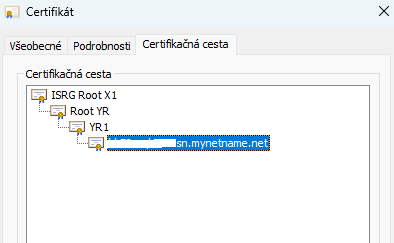
This chain is perfectly valid for HTTPS. Browsers handle it fine because they can fetch missing intermediates automatically (AIA fetching). IKEv2 does not support AIA fetching. The VPN client must receive the complete chain directly from the server.
The Fix
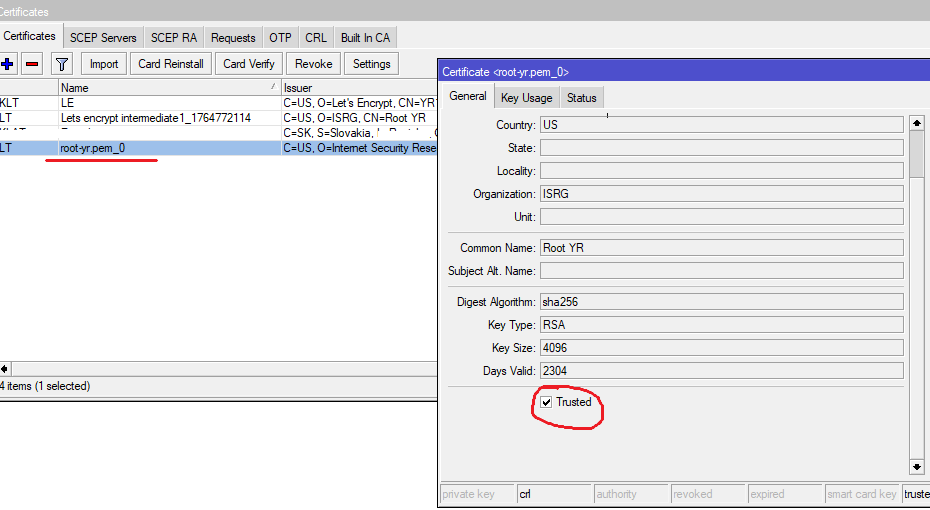
You need to import the cross-signed Root YR certificate onto your MikroTik. This is a version of Root YR that is signed by ISRG Root X1 — which Windows already trusts — bridging the gap.
Step 1 — Import Root YR (cross-signed by ISRG Root X1)
Run this on your MikroTik:
/tool fetch url="https://letsencrypt.org/certs/gen-y/root-yr-by-x1.pem" dst-path=root-yr.pem
/certificate import file-name=root-yr.pem passphrase=""
/certificate set [find common-name="Root YR"] trusted=yes
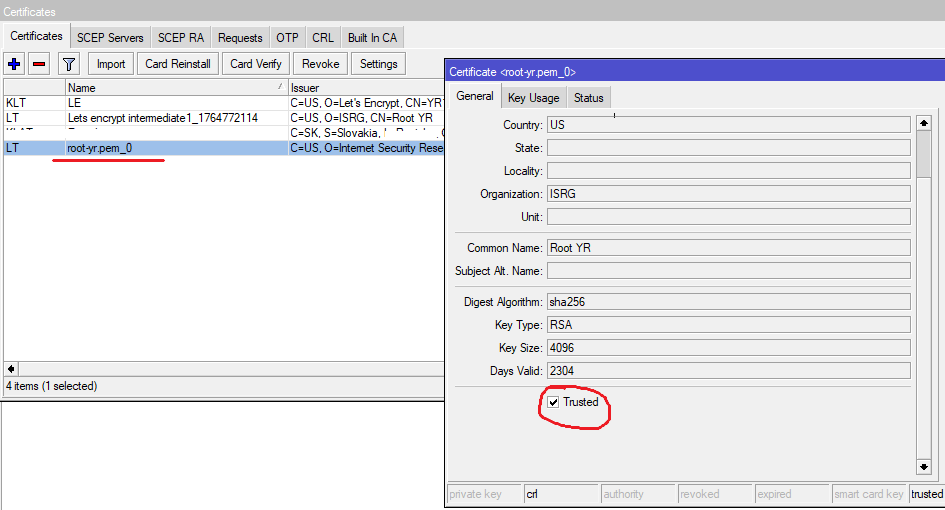
Step 2 — Make sure YR1 intermediate is also trusted
Check that the intermediate imported during certificate renewal is trusted:
Now reconnect from your Windows client — it should work.